Home / BeaverDeck Docs
BeaverDeck Documentation
BeaverDeck is a lightweight Kubernetes operations workspace for inspecting cluster state,
troubleshooting workloads, and performing common day-2 actions from a single web UI.
The current application version is 1.4.1, distributed through Helm chart 2.1.1.
Install
Install the official chart from the GHCR OCI registry. Enable persistence from the start so users, roles, audit records, auth provider settings, bootstrap state, and stored configuration survive pod reschedules or upgrades.
helm upgrade --install beaverdeck oci://ghcr.io/arequs/charts/beaverdeck \
  --version 2.1.1 \
  --namespace beaverdeck \
  --create-namespace \
  --set persistence.enabled=true \
  --set persistence.size=5Gi \
  --set persistence.storageClass=standard \
  --set clusterName=your-cluster-name
Replace standard with the StorageClass available in your cluster.
Chart details are published on
Artifact Hub.
First Start
BeaverDeck does not use a pre-created admin secret. On first start, it writes a one-time bootstrap token to the pod log. Enter that token in the UI, then set the admin password.
kubectl -n beaverdeck logs deployment/beaverdeckIf ingress is not configured yet, port-forward the service and open http://localhost:8080.
kubectl -n beaverdeck port-forward svc/beaverdeck 8080:80Insights
BeaverDeck is built around Cluster Insights. Instead of starting from raw object tables, operators can begin with grouped alerts and health signals, then open the resource, log, manifest, or action connected to the finding.
- Nodes: readiness, pressure conditions, metrics availability, GPU visibility, and capacity signals for compute-heavy and AI workloads
- Workloads: pod and controller health, restart patterns, pending pods, resource pressure, and security context warnings
- Networking: ingress and service signals for traffic-routing issues
- Storage: PVC binding state, volume usage, storage class visibility, and persistent storage pressure
Operations
After an Insight points to a likely issue, BeaverDeck provides the tools needed to confirm and act:
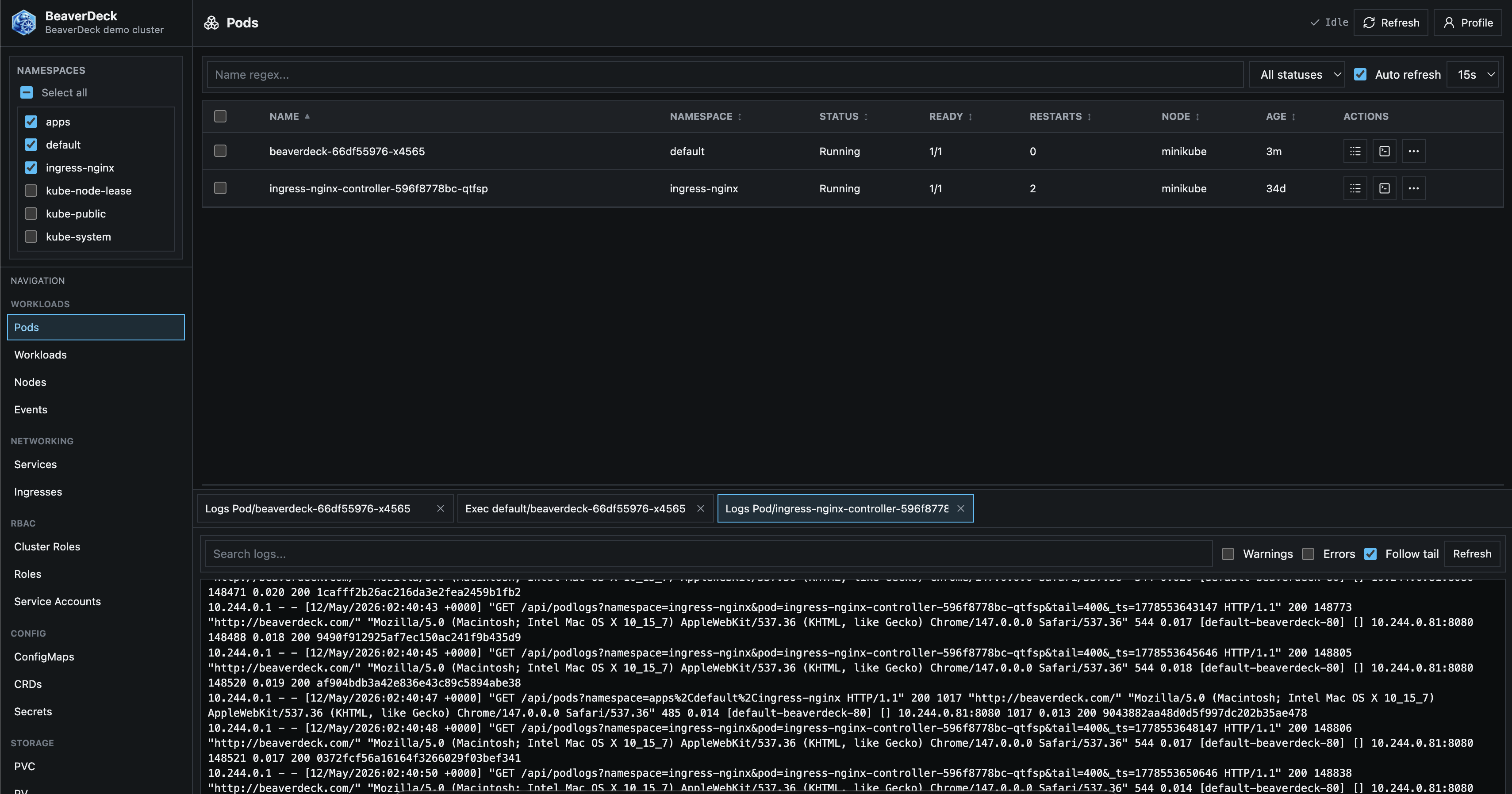
- Browse pods, workloads, nodes, services, ingresses, config maps, secrets, PVCs, PVs, storage classes, CRDs, and events
- Inspect manifests as YAML and apply edits through server-side apply
- View pod and workload logs, including older log history when available
- Open exec sessions into running pods
- Run scale, restart, delete, evict, drain, and uncordon workflows
- Use GPU visibility and capacity signals to reduce waste on expensive AI infrastructure
- Keep actions auditable and access controlled with users, roles, and namespace-scoped permissions
Authentication
Configure authentication from the Admin UI after the first local admin user is initialized.
Local users and roles
Local users are always available for first bootstrap. Admins can create users, reset passwords, revoke sessions, and assign namespace-scoped roles with permissions for workloads, nodes, exec, apply, audit, insights, users, and roles.
Google OAuth
Google OAuth supports browser sign-in plus Google Workspace group-to-role mapping. Configure client credentials, optional hosted domain, delegated admin email, and service account JSON with domain-wide delegation for group resolution.
OpenID Connect
Generic OpenID Connect uses provider discovery and maps roles from a configured groups claim.
Typical scopes are openid email profile groups.
Azure Entra ID
Use an issuer URL such as https://login.microsoftonline.com/<tenant-id>/v2.0.
For Microsoft Graph group lookup, include User.Read and GroupMember.Read.All
in scopes and grant the required Graph consent.
Ingress
The chart renders a single standard Ingress resource when ingress.enabled=true.
ingress:
  enabled: true
  className: nginx
  host: beaverdeck.example.com
  path: /
  pathType: Prefix
  tls:
    - hosts:
        - beaverdeck.example.com
      secretName: beaverdeck-tls
When using a non-root path such as /beaverdeck, make sure the ingress controller forwards
that same prefix to the service because the chart passes ingress.path as BASE_PATH.
RBAC
The chart installs cluster-scoped RBAC because BeaverDeck can inspect and operate on cluster-wide resources. This includes nodes, PVs, storage classes, CRDs, namespaces, node proxy stats for storage usage, and metrics APIs.